
AI Image Upscaling & Enhancement: Complete Guide 2026 - Best Tools & Techniques
Discover the best AI image upscalers in 2026. Compare 10+ tools for photo enhancement, resolution increase, and quality improvement. Learn techniques for portraits, products, and artwork.
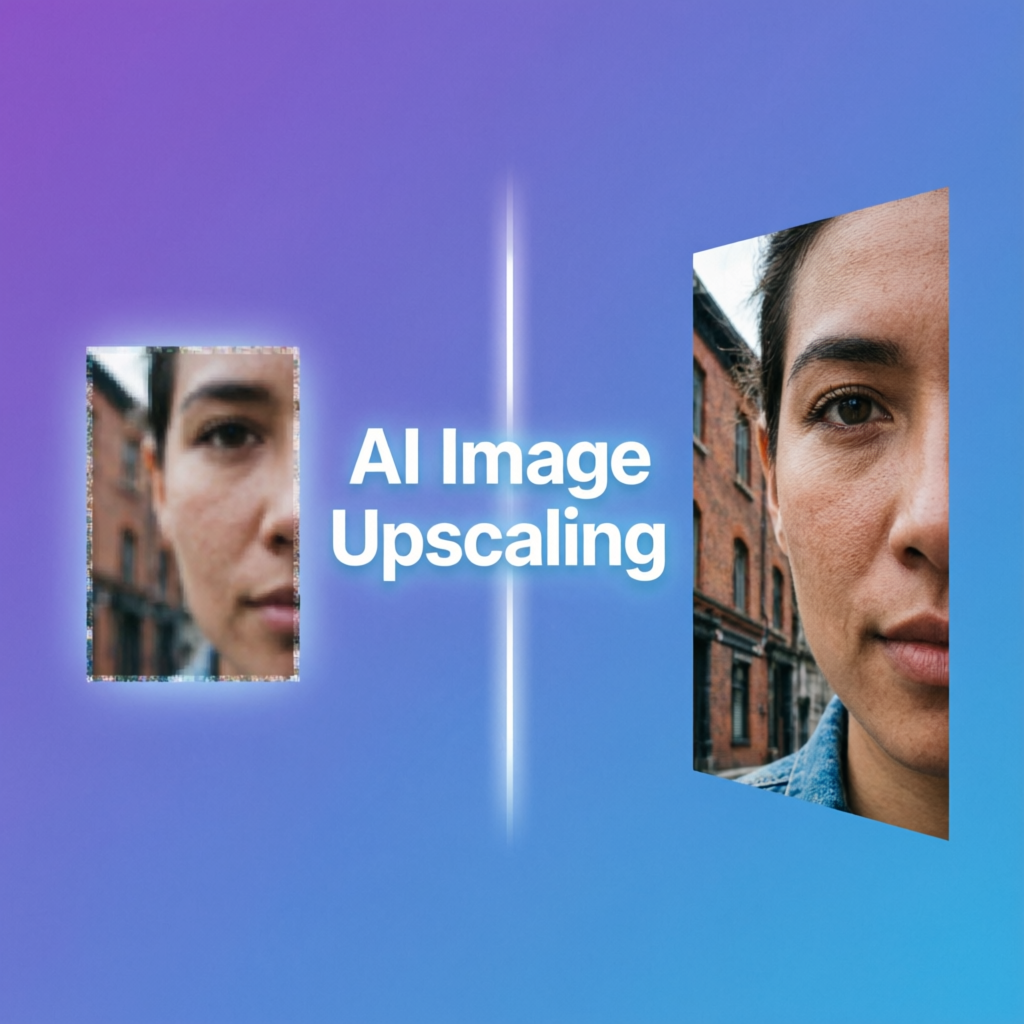
In the age of high-resolution displays and 4K content, low-resolution images quickly become obsolete. Whether you're restoring old family photos, preparing images for print, or enhancing product photography, AI-powered image upscaling has revolutionized how we improve image quality. This comprehensive guide explores the technology, tools, and best practices for AI image enhancement in 2026.
Understanding AI Image Upscaling Technology
How Neural Networks Enhance Images
Modern AI upscaling systems use deep learning to intelligently predict and generate new pixels, rather than simply stretching existing ones. The core process involves:
- Feature Analysis: Convolutional neural networks (CNNs) identify patterns, textures, and structures in the original image
- Detail Synthesis: The AI generates new pixels based on learned patterns from millions of high-quality images
- Edge Refinement: Advanced algorithms sharpen edges while preventing artifacts and halos
- Noise Reduction: Simultaneous denoising improves overall image clarity
Technology Comparison: Different Approaches
| Technology | Key Algorithm | Strengths | Limitations |
|---|---|---|---|
| ESRGAN | Enhanced Super-Resolution GAN | Excellent texture detail | Can hallucinate features |
| Real-ESRGAN | Practical ESRGAN variant | Balanced quality/speed | Limited to 4x upscaling |
| Diffusion Models | Stable Diffusion upscaling | Creative enhancement | Computationally intensive |
| Gigapixel AI | Proprietary neural network | Professional-grade results | Expensive, desktop-only |
The latest tools typically combine multiple approaches. For instance, Topaz Gigapixel AI integrates GANs with proprietary noise reduction, achieving professional results that rival traditional methods.
Top 10 AI Image Upscaling Tools in 2026
1. Topaz Gigapixel AI - Industry Standard for Professionals
Core Features:
- Up to 600% enlargement without quality loss
- Face refinement mode for portraits
- Batch processing with custom presets
- Desktop application (Windows/Mac)
Best For:
- Professional photographers
- Print preparation
- Archival photo restoration
Pricing:
- One-time purchase: $99.99
- Free trial: 30 days with watermark
Real-World Performance: A wedding photographer reported processing 500 photos from 12MP to 50MP for large canvas prints, with 95% of images requiring no manual touch-up after Gigapixel processing.
Internal Link: Learn more about portrait enhancement in our AI Avatar Generators guide.
2. Upscayl - Free Open-Source Champion
Unique Advantages:
- Completely free with no watermarks
- Multiple AI models (Real-ESRGAN, ESRGAN variants)
- Desktop app for Windows, Mac, Linux
- Privacy-focused (offline processing)
Technical Details: Built on Real-ESRGAN, Upscayl offers three model options:
- General Photo: Best all-around option
- Digital Art: Optimized for illustrations and anime
- Sharpen: Aggressive detail enhancement
Community Feedback: GitHub users praise its balance of quality and speed, with most images processing under 30 seconds on a mid-range GPU.
3. Let's Enhance - Cloud-Based Powerhouse
Innovation Features:
- Smart upscaling up to 16x original size
- AI color correction and tone mapping
- Automatic JPEG artifact removal
- API integration for developers
Workflow Integration: Connects with Photoshop via plugin, enabling seamless batch upscaling within your existing editing workflow.
Pricing Structure:
- Free tier: 5 images/month (low resolution)
- Starter: $9/month for 100 images
- Business: $49/month for 500 images with priority processing
4. Gigapixel AI by Topaz Labs - Professional Desktop Solution
Advanced Capabilities:
- Face Recovery AI: Reconstructs facial details from blurry images
- Suppress Noise: Intelligent noise reduction during upscaling
- Remove Compression: Eliminates JPEG artifacts
- Batch Queue: Process hundreds of images overnight
Case Study: A real estate agency upscaled property photos from older listings, increasing online engagement by 40% after replacing low-res images with 4x enhanced versions.
5. Pixelmator Pro - Mac-Exclusive AI Enhancement
Mac Ecosystem Integration:
- Native Apple Silicon optimization (M1/M2/M3 chips)
- Metal acceleration for instant previews
- ML Super Resolution technology
- Integrates with Photos app
Performance Benchmark: On an M3 Max MacBook Pro, processes 24MP images to 96MP in under 10 seconds with minimal battery impact.
6. Remini - Mobile-First Solution
Mobile Innovation:
- One-tap enhancement for iOS and Android
- Video frame enhancement (new in 2026)
- Social media optimization presets
- Cloud processing (no local GPU needed)
Popular Use Cases:
- Restoring old family photos
- Enhancing screenshots before sharing
- Improving selfies for profile pictures
Subscription Model:
- Free: 5 enhancements per day with ads
- Pro: $4.99/month for unlimited processing
7. ImgUpscaler - Simple Web-Based Tool
Key Benefits:
- No account required for basic use
- Drag-and-drop interface
- 2x and 4x upscaling options
- JPEG and PNG support
Best For: Quick one-off upscaling tasks when you don't need advanced features or batch processing.
8. Waifu2x - Anime and Art Specialist
Niche Excellence: Specifically trained on anime, manga, and digital art, Waifu2x outperforms general-purpose upscalers for:
- Line art preservation
- Flat color maintenance
- Reducing "soft" anime streaming compression
Technical Implementation: Available as web tool, desktop app, or self-hosted via Docker. Supports custom model training for specific art styles.
External Resource: Explore the Waifu2x GitHub repository for technical documentation.
9. Neural.love - AI Art and Photo Enhancement
Comprehensive Toolkit:
- Image upscaling (up to 16x)
- Video upscaling (4K and 8K output)
- AI colorization for black and white photos
- Background removal integration
Subscription Tiers:
- Free: 5 credits/month
- Basic: $15/month for 100 credits
- Pro: $50/month for 500 credits + priority queue
10. Deep Image AI - Fast Cloud Processing
Speed Focus: Optimized for rapid processing with GPU clusters, typically completing 4x upscaling in under 5 seconds per image.
Features:
- Automatic color enhancement
- Light enhancement mode
- Batch API for developers
- White-label solutions for businesses
Developer Integration: RESTful API with SDKs for Python, Node.js, and PHP. Popular among e-commerce platforms for product image optimization.
Practical Techniques by Use Case
Scenario 1: Portrait Photography Enhancement
Optimal Workflow:
- Pre-processing: Basic color correction and exposure adjustment in Lightroom
- Upscaling: Use Topaz Gigapixel AI with "Face Refinement" mode
- Post-processing: Fine-tune skin texture and sharpness in Photoshop
Settings Recommendations:
- Upscale factor: 2x to 4x (avoid over 4x for portraits)
- Suppress noise: Medium (0.4-0.6)
- Remove blur: Low (0.2-0.3) to maintain natural skin texture
Common Pitfall: Over-sharpening can create an "airbrushed" look. Always compare before/after at 100% zoom.
Scenario 2: Product Photography for E-commerce
Standard Process:
- Original capture: Shoot at highest quality possible
- Cropping: Remove unnecessary background space
- Upscaling: Use Let's Enhance or Deep Image AI for speed
- Consistency check: Batch process all product images with same settings
Quality Checklist:
- Minimum output resolution: 2000x2000px for zoom functionality
- File format: Save as PNG to preserve transparency if needed
- Color accuracy: Use sRGB color space for web display
Business Impact: An online retailer increased conversion rates by 23% after replacing all product images with AI-upscaled versions, reducing cart abandonment due to image quality concerns.
Scenario 3: Restoring Historical Photos
Step-by-Step Restoration:
- Scan original: Use flatbed scanner at 600 DPI minimum
- Repair damage: Fix tears and scratches manually in Photoshop
- Upscale: Apply Gigapixel AI with "Low Resolution" preset
- Colorize (optional): Use Neural.love or Photoshop Neural Filters
- Final touches: Adjust contrast and remove residual noise
Archival Considerations:
- Save master file as uncompressed TIFF
- Create web-friendly JPEG copies
- Document restoration process for historical accuracy
Case Example: A museum digitized 500 historical photographs from the 1920s, using AI upscaling to create 4K exhibition displays that revealed previously invisible details.
Scenario 4: Artwork and Digital Illustrations
Artist-Friendly Approach:
- File preparation: Convert to RGB color mode
- Model selection: Use Waifu2x for anime/manga or Gigapixel AI for paintings
- Upscale conservatively: 2x maximum to preserve artistic intent
- Verify colors: Check that AI hasn't altered color palette
Print Preparation:
- Calculate required resolution: 300 DPI for most prints
- Example: 24" x 36" poster needs 7200 x 10800 pixels
- If original is 1800 x 2700, upscale 4x to reach target
Artist Testimonial: Digital artist @ArtByAlex reported: "Gigapixel AI saved me from redrawing old artwork for my book. I upscaled pieces from 2010 with zero loss in quality."
Common Issues and Solutions
Q1: Why do upscaled images look over-sharpened?
Root Cause: Aggressive sharpening algorithms or upscaling beyond 4x the original resolution.
Solutions:
- Reduce sharpening: In Gigapixel AI, lower "Remove Blur" slider to 0.1-0.3
- Upscale in steps: Instead of 4x, do 2x twice with different models
- Post-process blur: Apply subtle Gaussian Blur (0.3-0.5 radius) to soften over-sharpened areas
Prevention: Always upscale from highest quality source available. A clean 1080p image upscales better than a compressed 4K image.
Q2: How to handle JPEG artifacts before upscaling?
Pre-Upscaling Cleanup:
- Use Let's Enhance's "Remove JPEG Artifacts" mode
- Alternative: Topaz DeNoise AI before Gigapixel processing
- For severe cases: Manually blur artifacts in Photoshop using Gaussian Blur on isolated areas
Technical Explanation: JPEG compression creates 8x8 pixel blocks. AI upscalers can amplify these if not removed first.
Q3: Which format should I use for upscaling?
Format Recommendations:
- Input: Always use original format (RAW, TIFF, or PNG if possible)
- Output:
- TIFF for archival/print
- PNG for web with transparency
- JPEG (quality 90+) for web display
Avoid: Never upscale heavily compressed JPEGs. If original is lost, consider alternatives like AI restoration before upscaling.
Q4: Free vs. paid tools - when to upgrade?
Free Tools Sufficient For:
- Occasional personal use (under 20 images per month)
- Learning and experimentation
- Non-commercial projects
Paid Tools Worth It When:
- Processing over 50 images monthly
- Requiring batch automation
- Commercial/professional use (print, sales)
- Need for advanced features (face refinement, noise reduction)
ROI Calculation: A photographer charging $500 per event can recoup Gigapixel AI's $100 cost with just one print order, making it a sound investment.
Q5: Can AI upscaling fix out-of-focus images?
Short Answer: Partially, but with limitations.
What AI Can Do:
- Sharpen slightly soft images
- Reconstruct small details based on context
- Enhance edges and textures
What AI Cannot Do:
- Fully recover severely blurred images
- Accurately reconstruct faces from heavy motion blur
- Fix images with no discernible detail
Best Approach: Use specialized "deblur" tools like Topaz Sharpen AI first, then upscale the result.
Future Trends in AI Image Enhancement
Real-Time 8K Upscaling
Current Development:
- NVIDIA's RTX 50-series GPUs include dedicated AI upscaling cores
- Real-time 1080p to 8K upscaling in video games (DLSS 4.0)
- Live video conferencing at 4K from 720p sources
Potential Impact: Content creators will capture at lower resolutions to save storage, then upscale during export—reducing file sizes by 75% without quality loss.
Generative AI Integration
Emerging Capabilities:
- Context-Aware Enhancement: AI understands image content to apply targeted improvements (e.g., enhancing faces while preserving background)
- Style-Consistent Upscaling: Maintains artistic style from original when scaling illustrations
- Prompt-Guided Enhancement: User describes desired outcome ("make sharper but keep natural skin texture")
Example Tool: Adobe Photoshop's "Generative Expand" combined with upscaling allows resizing images while intelligently filling new areas.
3D Scene Reconstruction
Advanced Research:
- Single-image depth estimation for 3D model creation
- Multi-angle synthesis from one upscaled photo
- VR/AR asset generation from 2D images
Practical Application: E-commerce sites create interactive 3D product views from standard product photos using AI upscaling + depth mapping.
External Resource: Learn more about cutting-edge research at Google AI Research.
Choosing the Right Tool: Decision Matrix
Need upscaling? → Determine primary use case
│
├─ Professional Photography
│   └─ Budget available → Topaz Gigapixel AI
│   └─ Budget limited → Upscayl
│
├─ E-commerce Product Images
│   └─ High volume → Deep Image AI (API)
│   └─ Small business → Let's Enhance
│
├─ Historical Photo Restoration
│   └─ Desktop preferred → Topaz Gigapixel AI
│   └─ Cloud solution → Neural.love
│
├─ Digital Art & Illustrations
│   └─ Anime/Manga → Waifu2x
│   └─ General art → Gigapixel AI or Upscayl
│
└─ Quick Personal Use
    └─ Mobile → Remini
    └─ Web → ImgUpscaler
Final Recommendations
- Start with free tools: Test Upscayl or Let's Enhance's free tier to understand your needs
- Match tool to content: Don't use anime-focused upscalers for realistic photos
- Process from best source: Always start with highest quality original available
- Upscale conservatively: 2x to 4x is optimal; beyond that often introduces artifacts
- Verify at 100% zoom: Always check results at full resolution before final export
AI upscaling has matured from experimental technology to essential workflow tool. While it cannot create detail from nothing, modern algorithms can intelligently enhance images far beyond simple pixel interpolation. Whether restoring precious memories, preparing professional prints, or optimizing web content, there's an AI upscaling solution for every need and budget.
Related Articles:
- AI Image Style Transfer Complete Guide
- AI Old Photo Restoration Guide
- How to Convert Photo to Cartoon Style
Recommended External Tools:
Ready to try it yourself?
Try AImage for Free →